The honest answer: Rs 65,000–80,000 gets you a genuine gaming machine in 2026 — not a compromise, not a "for casual gaming only" label. The RTX 3050 and RTX 4060 GPUs available at this price run Nepal's most popular titles — Valorant, PUBG, GTA V, FIFA — at 60–100fps on medium-to-high settings. That's a real gaming experience.
What budget gaming doesn't get you is 1440p, ray tracing, or AAA-at-ultra-settings. If those matter to you, the budget you're looking for starts at Rs 1.2 lakh. For everyone else: here's what's actually worth buying.
The Floor: What "Gaming" Actually Means at This Price
In 2026, there is one GPU tier to know at the budget level: the RTX 3050 / RTX 3050 Ti. Anything below — a GTX 1650 or GTX 1650 Ti — is not worth buying. The GTX 1650 is a 2019 GPU and struggles with modern titles that shipped in 2023–2025. If a shop is selling you a "gaming laptop" with a GTX 1650 in 2026 at Rs 60,000, walk away.
The RTX 3050 and RTX 4060 are the two actual choices at this price band:
- RTX 3050: Still adequate for esports and mid-tier gaming at 1080p, medium settings
- RTX 4060: Noticeably better — 1080p high settings, handles more titles at 60fps+
Where the RTX 4060 appears below Rs 80K (as it does on the ASUS TUF F15 at Rs 78,000), it's the clear pick. Where it doesn't, the RTX 3050 is a reasonable fallback for the specific use cases noted.
Pick 1 — ASUS TUF Gaming A15 (RTX 3050)
Price: Rs 68,000–72,000 | Authorised ASUS Nepal service
The TUF A15 is the most widely sold budget gaming laptop in Nepal, and the data-point that explains why isn't performance — it's survival. ASUS TUF laptops are MIL-SPEC tested for dust, vibration, and humidity. In Nepal's urban environments, especially during Terai summers where dust levels are high and ambient temperature regularly exceeds 38°C, that build quality is not marketing language. The chassis genuinely handles rough use better than comparably priced Lenovo or HP alternatives.
The 144Hz IPS display is colour-average but smooth for gaming. The RTX 3050 handles Valorant at 144fps, PUBG at 70–90fps on medium, and GTA V at 60fps on high. It's not silent — the fans spin audibly under load — but thermals stay under control.
Specific con: The battery is 90Wh but the laptop draws so much power while gaming that real-world battery gaming is around 90 minutes. This is a plugged-in machine while gaming. On everyday tasks (browsing, documents), you'll get 5–6 hours.
Who it's for: Buyers who prioritise durability and want the safety of ASUS's Nepal service network. Students in college hostels and Terai towns where dust and rough handling are facts of life.
Pick 2 — Lenovo IdeaPad Gaming 3 (RTX 3050)
Price: Rs 68,000–75,000 | Authorised Lenovo Nepal service
The IdeaPad Gaming 3 is the underrated choice in this segment. Most people overlook it because the name says "IdeaPad" — the implication being it's not a real gaming laptop. The RTX 3050 inside is identical to the one in the TUF A15. What's genuinely different is the keyboard: the IdeaPad Gaming 3 has one of the best keyboards in this price range, with proper travel and tactile feedback that makes it comfortable for both gaming and the typing you'll actually do for college work.
The specific observation that doesn't come from a spec sheet: this laptop runs noticeably quieter than the TUF A15 at the same workload. The fan curve is less aggressive. For students gaming in hostel rooms or shared spaces, that matters.
Specific con: The build quality is good but not TUF-level rugged. The plastic lid flexes with pressure. If you're rough on hardware, the TUF A15 is a better choice.
Who it's for: Students who need the laptop for both gaming and serious college use, buyers who prioritise a good keyboard and quieter operation over maximum durability.
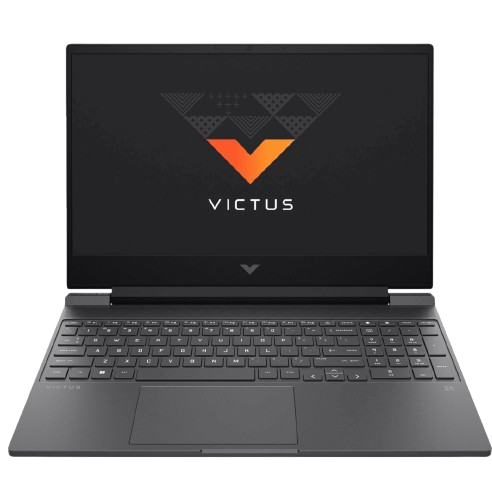
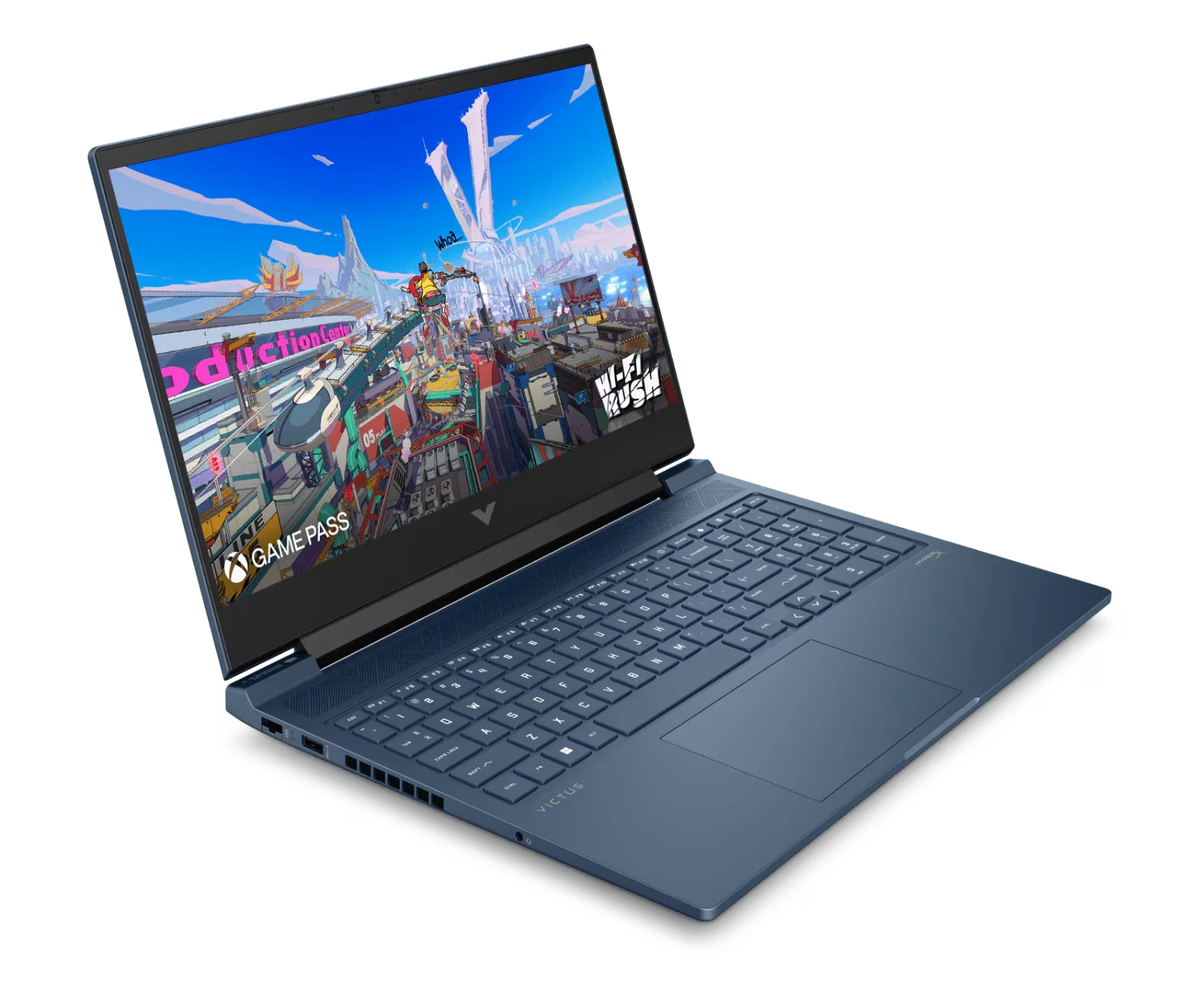
Pick 3 — HP Victus 15 (RTX 3050 / RTX 4060)
Price: Rs 65,000–82,000 depending on GPU variant | HP Nepal service available
The HP Victus 15 occupies a specific slot: if you can stretch to Rs 80,000–82,000, the RTX 4060 variant is the best GPU value in this entire price bracket. The RTX 4060 Victus at Rs 80,000–82,000 competes with laptops at Rs 1 lakh — DLSS 3, Frame Generation, and 8GB GDDR6 memory versus the RTX 3050's 4GB.
The RTX 3050 version at Rs 65,000–70,000 is a reasonable machine but not our first recommendation — the build quality is noticeably cheaper than TUF or IdeaPad Gaming, with a wobblier hinge and a trackpad that's merely acceptable.
Specific con: HP Nepal's authorised service network is present but smaller than ASUS or Lenovo's. In Kathmandu it's fine; in secondary cities it's less reliable. If you're in Pokhara, Butwal, or Dharan, ASUS and Lenovo have a service advantage.
Who it's for: Budget-conscious buyers in Kathmandu who can stretch to Rs 80,000–82,000 for the RTX 4060 variant — this is genuinely the best GPU per rupee at this price level.
The Shortlist at a Glance
| Laptop |
GPU |
Price |
Best For |
| ASUS TUF Gaming A15 |
RTX 3050 |
Rs 68,000–72,000 |
Durability, ASUS service network |
| Lenovo IdeaPad Gaming 3 |
RTX 3050 |
Rs 68,000–75,000 |
Keyboard quality, quieter operation |
| HP Victus 15 (RTX 4060 variant) |
RTX 4060 |
Rs 80,000–82,000 |
Best GPU at the budget ceiling |
Load-Shedding Reality Check
All three laptops above have 45–90Wh batteries. Under gaming load, expect 45–90 minutes on battery. During load-shedding, you have three practical options:
- Game on battery at reduced settings — all three laptops throttle the GPU on battery, giving you roughly 60–70% performance. Fine for Valorant and PUBG, not ideal for GTA V.
- Use a 600VA–800VA UPS — provides 30–45 minutes of full-performance gaming during outages.
- Game only when grid power is available — the most common approach among Nepal budget gamers.
A budget gaming laptop is not a load-shedding-proof device. Plan accordingly.
Frequently Asked Questions
Q: Is RTX 3050 good enough for gaming in 2026?
For esports titles (Valorant, CS2, PUBG, FIFA), yes — 60–100fps at 1080p medium-to-high. For new AAA releases at high settings, you'll be at medium or 30–45fps. If AAA at high settings matters to you, the budget needs to stretch to Rs 1 lakh+.
Q: Should I buy a gaming laptop from a local shop or online?
Always verify the authorised distributor. Local shops in New Road and Asan sometimes carry grey-market imports without valid Nepal warranty. Ask for the distributor warranty card explicitly (authorised retailer Technosoft for ASUS, Synatix for Lenovo, HP Nepal for HP).
Q: Can I upgrade RAM or SSD later?
Most gaming laptops at this price have one user-accessible RAM slot and one M.2 slot. The TUF A15 and IdeaPad Gaming 3 both support RAM upgrades — start with 16GB and upgrade later if needed. SSDs are straightforward to replace on all three models.
Q: Will a budget gaming laptop handle heat in Terai?
Yes, with cooling pad use. The TUF A15 is specifically the better choice for Terai buyers due to its dust resistance. Clean the bottom vents with compressed air every 3 months in high-dust areas.
Based on verified specs and Nepal market data. Prices sourced at authorised Nepal retailers and authorised distributors, June 2026.