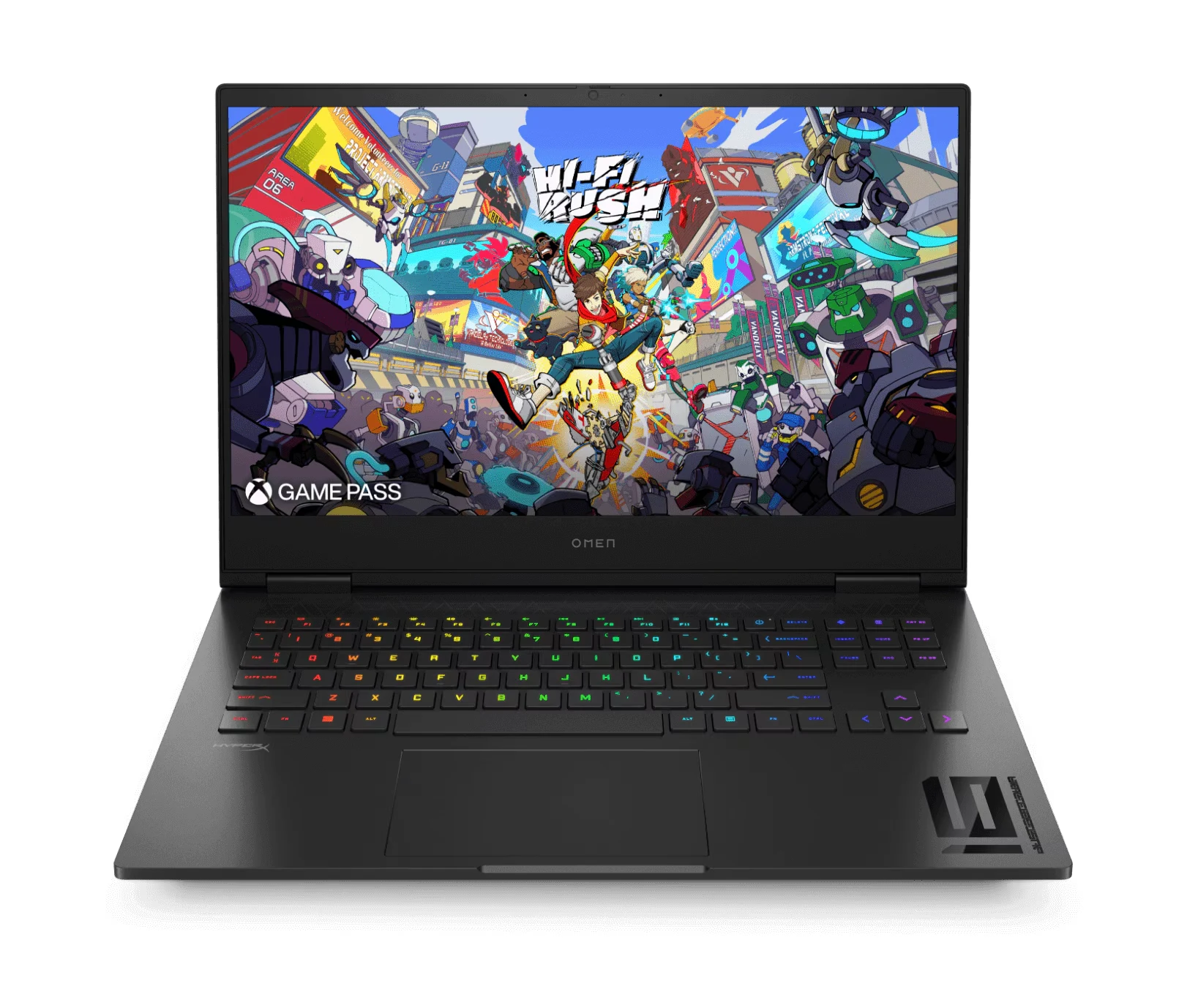
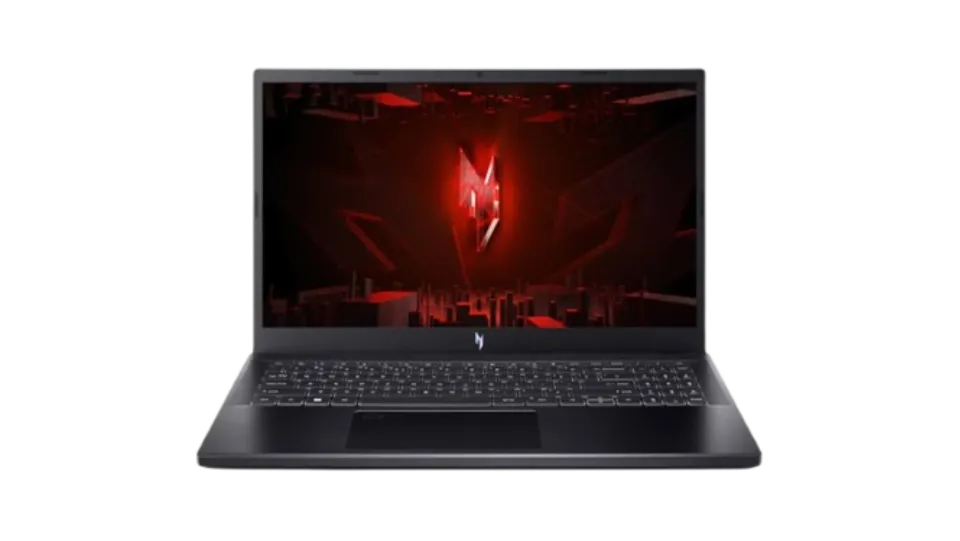
Rs 1.5 lakh is the RTX 4070 tier. That's the meaningful jump — not from one RTX 4060 variant to another, not a CPU upgrade, but a genuine GPU generational step that unlocks 1440p gaming and makes AAA titles at high settings a real experience rather than a settings-compromise exercise.
The question at this budget isn't whether you get good gaming performance. You do, across every laptop on this list. The question is which combination of display quality, thermal management, service access, and MUX switch implementation gives you the most for Rs 1.5 lakh — because those secondary specs are where these laptops genuinely diverge.
Why the MUX Switch Matters (and Why You Should Demand It)
Every laptop at this tier has a MUX switch. Here's why that matters specifically at Rs 1.5 lakh.
Laptops route GPU output through the integrated GPU by default, which introduces a rendering bottleneck. The MUX switch bypasses this and pipes GPU output directly to the display. In GPU-bound games at 1080p and 1440p — which is every serious gaming scenario at this tier — the MUX switch delivers 10–20% more frames with zero hardware change. It's a BIOS-level toggle.
All four laptops below have MUX switches. If you're comparing these against a laptop at the same price without one, the one without it is effectively delivering an RTX 4060 at an RTX 4070 price.
Our Pick — ASUS ROG Strix G16 (Core i7 + RTX 4070)
Price: Rs 1,42,000–1,52,000 | Authorised ASUS Nepal service
The ROG Strix G16 is the clearest recommendation at this price tier, and the specific reason is the display: 240Hz at 1080p on a panel that ASUS has tuned for 3ms response time. At 240Hz, motion in Valorant, CS2, and PUBG is qualitatively different from 165Hz — not just a spec number, but genuinely smoother motion tracking that benefits competitive play. No competing laptop at under Rs 1.5 lakh in Nepal pairs a 240Hz display with an RTX 4070 and a MUX switch.
The thermal design uses three fans and separate heat pipes for the CPU and GPU, which is what keeps the RTX 4070 running at its full 115W TGP (Total Graphics Power) under sustained load. Some RTX 4070 laptops in this range run the GPU at 80–100W to fit within thermal limits — the G16 doesn't. That 15–35W difference translates to real frame rates.
ASUS authorised service in Kathmandu and Pokhara is the Nepal-specific reason this wins over competitors at similar prices.
Specific con: The G16 is 2.5kg, the same as most gaming laptops at this tier. But the power brick is 280W and noticeably bulky. If you carry this laptop between locations regularly, the total bag weight — laptop plus brick — is around 3.5kg. Not impossible, but it's a desk-primary machine.
Who it's for: Competitive gamers who want the smoothest 1080p experience available at this price, buyers who value ASUS's Nepal service network, anyone who games for 3+ hours daily and needs the thermal headroom to sustain performance.
Best Value — Acer Predator Helios Neo 16 (RTX 4070)
Price: Rs 1,35,000–1,45,000 | Acer Nepal service (limited)
The Helios Neo 16 at this tier runs the same RTX 4070 GPU as the ROG Strix G16 but at Rs 5,000–15,000 less. That gap is real money. The display is 165Hz — not 240Hz — and the thermal solution is less refined than the G16's tri-fan design, but the GPU performance is identical because both run the RTX 4070 at full TGP.
Where the Helios Neo 16 wins on value: the chassis is larger (16 inches), the keyboard layout is more spacious, and the port selection is excellent for the price — HDMI 2.1, USB-C with DisplayPort, full-size SD card reader.
Specific con: Acer Nepal's service network is the weakest on this list. If you're in Kathmandu, it's manageable. Outside Kathmandu — Pokhara, Butwal, Biratnagar — warranty service is significantly less convenient than ASUS or Lenovo. For a Rs 1.4 lakh laptop, that service gap is a genuine risk.
Who it's for: Kathmandu-based buyers who want the best RTX 4070 performance per rupee and are comfortable navigating Acer's service if needed.
Best All-Rounder — Lenovo Legion 5 Pro (Ryzen 7 + RTX 4070)
Price: Rs 1,38,000–1,48,000 | Authorised Lenovo Nepal service
The Legion 5 Pro is the most balanced gaming laptop at this price tier, and the standout spec is the display: a 2.5K (2560×1600) 165Hz IPS panel, which is the right resolution step up from 1080p when you have an RTX 4070 GPU. Gaming at 1440p on this display, the GPU has enough headroom to maintain 90–120fps across most titles at high settings. The clarity improvement over 1080p is visible and meaningful at 16 inches.
Lenovo's authorised Nepal service is in Kathmandu and covers the Legion line specifically — not just general ThinkPad service. Service turnaround is typically faster than average for gaming laptops in Nepal.
The thermal system uses dual 70mm fans and a vapour chamber — the Legion 5 Pro runs the RTX 4070 at 115W TGP without throttling, matching the ROG Strix G16's thermal performance at a slightly lower price.
Specific con: The Legion 5 Pro weighs 2.4kg — similar to the G16 — but the 300W power brick is even larger. Lenovo's charger for the Pro models is genuinely heavy. Some buyers find this annoying for daily commuting.
Who it's for: Buyers who want 1440p gaming at this price tier. The 2.5K display is the single best reason to pick the Legion 5 Pro over the ROG Strix G16 if you play games that look stunning at higher resolutions (RPGs, open-world titles, anything visually rich).
The Dark Horse — MSI Katana 15 (RTX 4070)
Price: Rs 1,28,000–1,42,000 | MSI Nepal service (limited)
The MSI Katana 15 occasionally undercuts the field significantly at Rs 1.28 lakh. At that price, an RTX 4070 is exceptional value. The thermals are competent — not best-in-class, but the GPU runs at 100–105W TGP under sustained load, which is close to the G16 and Legion 5 Pro's 115W.
The 144Hz 1080p display is the clear compromise versus competitors' 165Hz and 240Hz panels. For the pure GPU performance per rupee, it's hard to beat when priced near Rs 1.28 lakh.
Specific con: MSI's Nepal service presence is limited. There is no MSI-specific authorised service in Kathmandu comparable to ASUS or Lenovo's setups. If the laptop requires warranty service, the process is more involved. For a Rs 1.3 lakh purchase, this is a meaningful risk. We'd recommend MSI only to buyers who are comfortable handling warranty claauthorised retailer via the general distributor (HD Plus Ltd.) and who primarily want raw performance at the lowest price.
Who it's for: Performance-first buyers who want the cheapest RTX 4070 laptop in Nepal and accept the service trade-off.
Decision Matrix
| Laptop |
Display |
GPU TGP |
Nepal Service |
Price |
| ASUS ROG Strix G16 |
240Hz 1080p |
115W |
Excellent (KTM + PKR) |
Rs 1,42,000–1,52,000 |
| Lenovo Legion 5 Pro |
165Hz 1440p |
115W |
Good (KTM) |
Rs 1,38,000–1,48,000 |
| Acer Predator Helios Neo 16 |
165Hz 1080p |
115W |
Limited |
Rs 1,35,000–1,45,000 |
| MSI Katana 15 |
144Hz 1080p |
100–105W |
Limited |
Rs 1,28,000–1,42,000 |
If you prioritise service reliability: ASUS ROG Strix G16 or Lenovo Legion 5 Pro.
If you want 1440p gaming: Lenovo Legion 5 Pro.
If you want 240fps competitive play: ASUS ROG Strix G16.
If you want lowest price for RTX 4070: MSI Katana 15 (accepting service trade-off).
Load-Shedding at Rs 1.5 Lakh
RTX 4070 laptops draw 180–220W under full gaming load. A 1000VA UPS sustains this for approximately 20–30 minutes. If load-shedding is frequent in your area, a 1500VA UPS is a necessary additional investment (Rs 12,000–18,000). Alternatively, lower performance mode (dropping to 100W GPU power) gives you 40–50 minutes on a 1000VA UPS with minimal visible performance difference in most titles.
Frequently Asked Questions
Q: Is Rs 1.5 lakh worth it over Rs 1.2 lakh for gaming?
If you play at 1080p on esports titles only, no — the RTX 4060 at Rs 1.2 lakh is sufficient. If you play AAA titles at high settings, want 1440p, or expect this laptop to remain capable for 4+ years, yes — the RTX 4070 is a meaningful upgrade.
Q: Can these laptops connect to an external 4K monitor?
Yes. All four laptops output via HDMI 2.1 and support 4K 60Hz external display output. For gaming at 4K you'll want an RTX 4080 (next tier up), but for productivity on a 4K monitor, these work well.
Q: Is the ROG Strix G16 the best gaming laptop under Rs 1.5 lakh in Nepal?
For competitive gaming (Valorant, CS2, PUBG) where frame rate matters, yes — the 240Hz display plus RTX 4070 plus ASUS service network is the strongest combination at this price. For single-player and open-world gaming where resolution matters more, the Lenovo Legion 5 Pro's 1440p display is a compelling alternative.
Based on verified specs and Nepal market data. Prices sourced at authorised Nepal retailers and authorised distributors, June 2026.